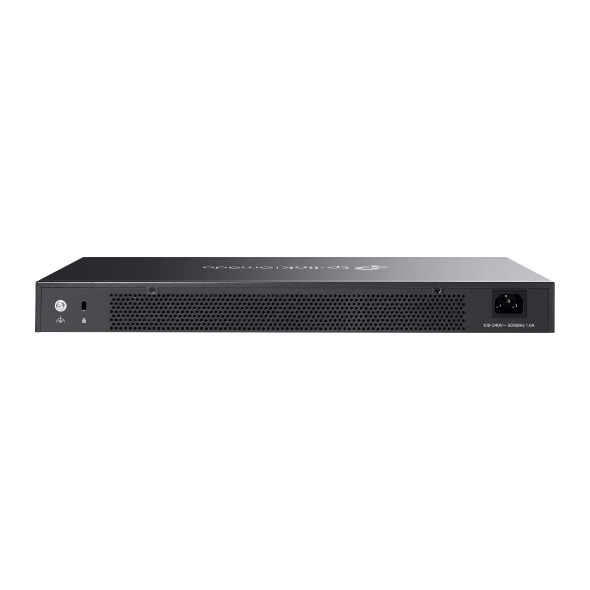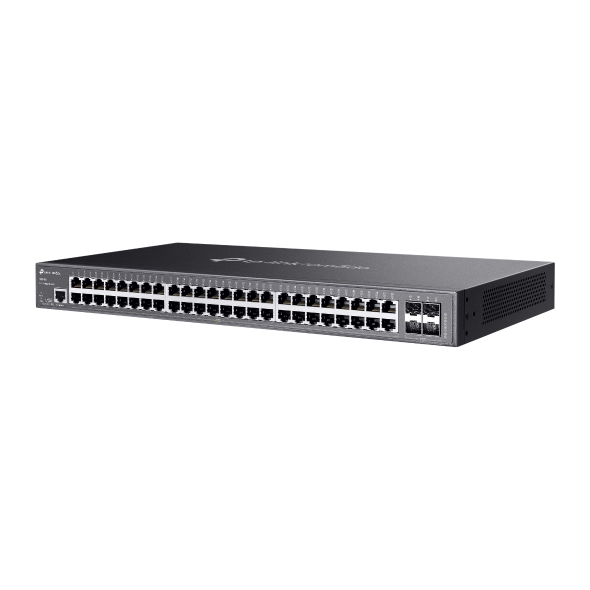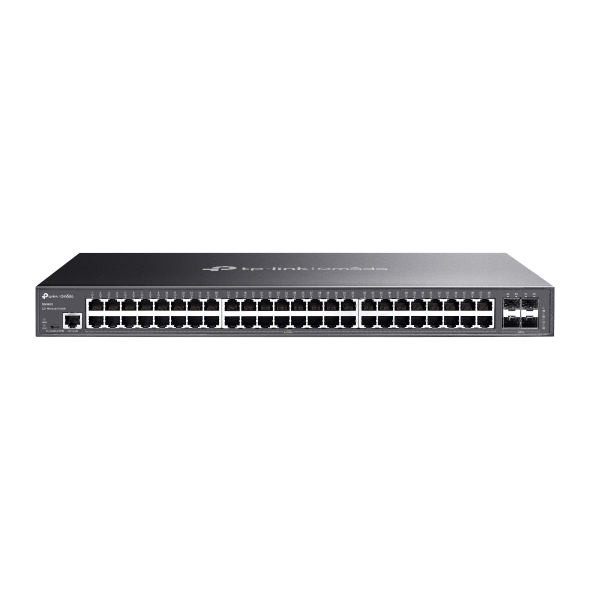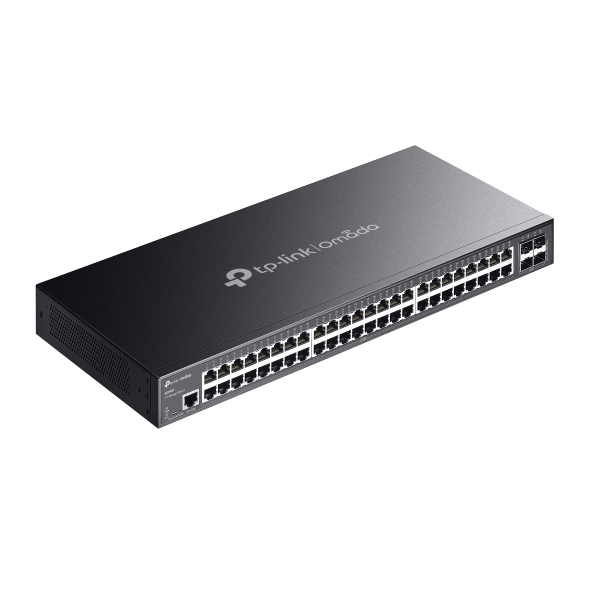

Omada 48-Port Gigabit L2+ Managed Switch with 4 SFP Slots
| Fitur | Spesifikasi |
| TP-Link TL-SG3452 | |
| HARDWARE FEATURES | |
| Interface | 48× 10/100/1000 Mbps RJ45 Ports; 4× Gigabit SFP Slots; 1× RJ45 Console Port; 1× Micro-USB Console Port |
| Fan Quantity | Fanless |
| Physical Security Lock | Yes |
| Power Supply | 100–240 V AC, 50/60 Hz |
| Dimensions (W x D x H) | 17.3 × 8.7 × 1.7 in; 440 × 220 × 44 mm |
| Mounting | Rack Mountable |
| Max. Power Consumption | 32.8 W (220 V/50 Hz) |
| Max. Heat Dissipation | 111.91 BTU/h (220 V/50 Hz) |
| PERFORMANCE | |
| Switching Capacity | 104 Gbps |
| Packet Forwarding Rate | 77.4 Mpps |
| MAC Address Table | 16K |
| Packet Buffer Memory | 12 Mbit |
| Jumbo Frame | 9 KB |
| MANAGEMENT FEATURES | |
| Omada App | Yes; requires OC300, OC200, Omada Cloud-Based Controller, or Omada Software Controller |
| Centralized Management | Omada Cloud-Based Controller; Omada Hardware Controller (OC300); Omada Hardware Controller (OC200); Omada Software Controller |
| Cloud Access | Yes; requires OC300, OC200, Omada Cloud-Based Controller, or Omada Software Controller |
| Zero-Touch Provisioning | Yes; requires Omada Cloud-Based Controller |
| Management Features | Web-based GUI; Command Line Interface (CLI) through console port and telnet; SNMPv1/v2c/v3; Trap/Inform; RMON (1, 2, 3, 9 groups); SDM Template; DHCP/BOOTP Client; 802.1ab LLDP/LLDP-MED; DHCP AutoInstall; Dual Image, Dual Configuration; CPU Monitoring; Cable Diagnostics; EEE; Password Recovery; SNTP; System Log |
| OTHERS | |
| Certification | CE, FCC, RoHS |
| Package Content | TL-SG3452 Switch; Power Cord; Quick Installation Guide; Rackmount Kit; Rubber Feet |
| System Requirements | Microsoft® Windows® 98SE, NT, 2000, XP, Vista™ or Windows 7/8/10/11; MAC® OS; NetWare®; UNIX® or Linux |
| Environment | Operating Temperature: 0–40 ℃ (32–104 ℉); Storage Temperature: -40–70 ℃ (-40–158 ℉); Operating Humidity: 10–90% RH non-condensing; Storage Humidity: 5–90% RH non-condensing |